

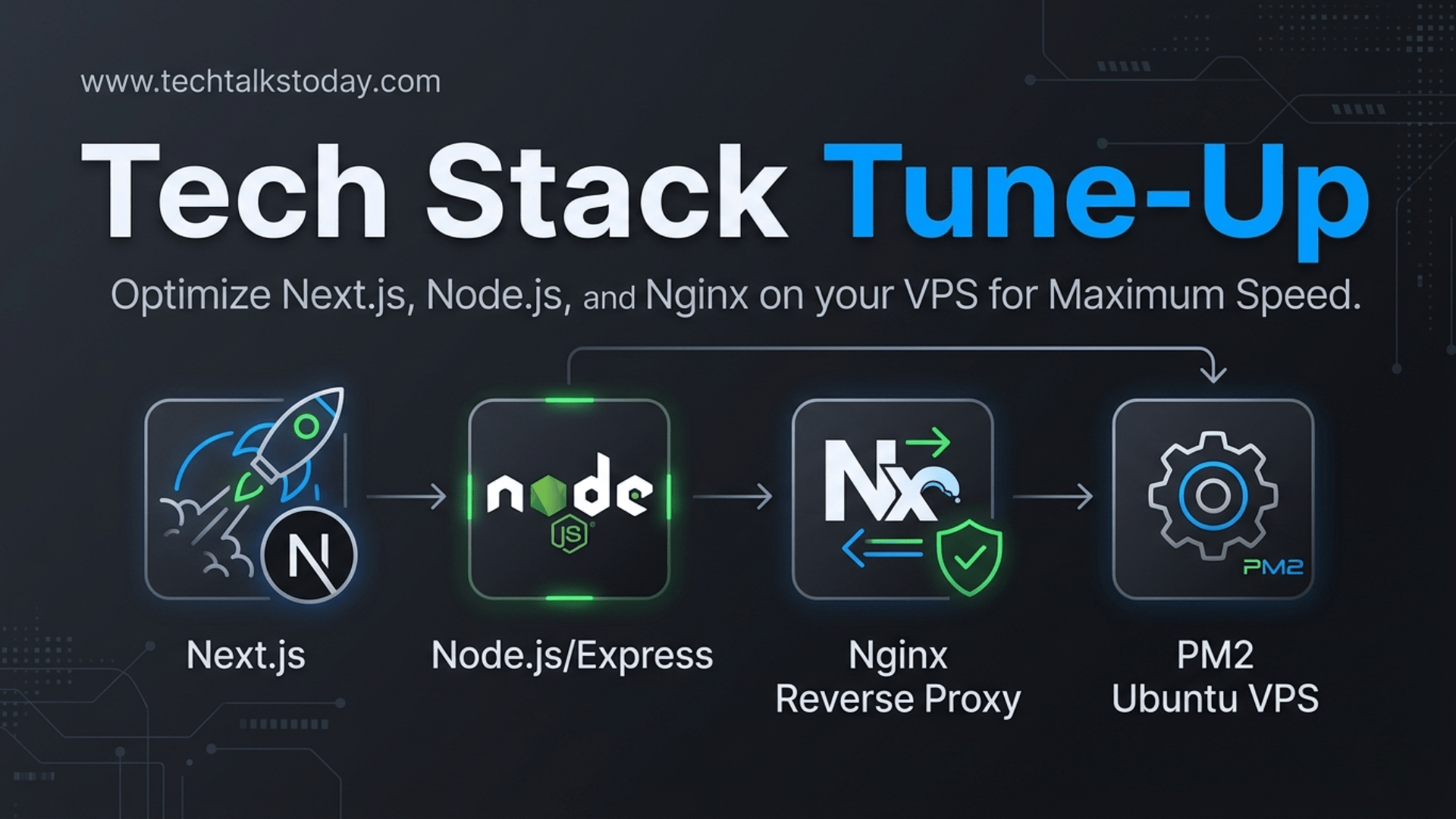
In the world of high-performance web applications, speed isn't just a luxury—it’s a requirement. When running a Next.js frontend with a Node.js/Express backend on a Ubuntu VPS, the architecture is powerful, but it requires precise tuning to prevent bottlenecks.
This guide explores the most critical performance questions for developers looking to shave seconds off their load times and milliseconds off their API latency.
Q: Why is my REST API slow even though my VPS has high CPU and RAM?
A: Raw hardware power rarely solves software-level bottlenecks. In a Node.js environment, the most common culprit is Blocking the Event Loop. Node.js is single-threaded; if one request performs a heavy synchronous operation (like complex JSON parsing or large file processing), every other user has to wait.
The Fix:
- Asynchronous Patterns: Ensure all Database and I/O operations use
async/await. - Offloading: Move heavy tasks (image processing, emails) to a background worker like BullMQ using a Redis instance.
- Database Indexing: Ensure your database has proper indexes for the specific queries your Express API is running. Use
EXPLAIN ANALYZEto find "Full Table Scans."
Q: How can I leverage Nginx to speed up my Next.js and Express apps?
A: Nginx should act as more than just a gateway; it should be your primary caching and compression engine. By handling these tasks at the "edge" of your server, you reduce the load on your Node.js processes.
Key Optimizations:
- Gzip/Brotli Compression: Compressing text-based assets (JSON, JS, CSS) can reduce data transfer sizes by up to 80%.
- Micro-caching: For non-user-specific API data (like a public blog list), configure Nginx to cache the response for just 1–5 seconds. This protects your backend from "thundering herd" traffic spikes.
- Keepalive Connections: Configure Nginx to maintain a pool of open connections to your upstream Express app. This eliminates the "TCP Handshake" overhead for every single request.
Q: PM2 is running my app, but I’m still seeing high latency. Am I missing something?
A: If you are running PM2 in the default "fork" mode, you are only using one CPU core. Modern VPS instances usually have 2, 4, or more cores.
The Fix: Cluster Mode Run your Express API in Cluster Mode. This allows Node.js to spawn multiple instances of your app that share the same port.
pm2 start server.js -i maxBy using -i max, PM2 will detect the number of available CPU cores and distribute incoming traffic across them, effectively multiplying your request-handling capacity.
Q: How should I optimize Next.js for a VPS environment?
A: Next.js is often optimized for Vercel, but on a self-hosted Ubuntu VPS, you need to be more intentional with your build.
Strategies for Speed:
- Standalone Output: In your
next.config.js, setoutput: 'standalone'. This generates a minimal production build that significantly reduces memory usage. - ISR (Incremental Static Regeneration): Whenever possible, avoid pure Server-Side Rendering (SSR). Use ISR to pre-render pages and refresh them in the background. This serves static HTML to users, which is near-instant.
- Sharp for Image Optimization: Next.js uses the
Imagecomponent for lazy loading and resizing. On a VPS, ensure you have thesharplibrary installed (npm install sharp) to make image processing faster and less CPU-intensive.
Q: What is the most effective way to reduce the "Time to First Byte" (TTFB)?
A: TTFB is largely determined by how fast your server can process a request and start sending data.
| Component | Optimization |
| Database | Implement a Redis cache for frequent queries. |
| Networking | Use HTTP/2 in your Nginx configuration to allow multiplexing. |
| Next.js | Use Streaming (React Suspense) to send parts of the UI before the data is fully loaded. |
| Express | Use a Connection Pool so the app doesn't have to "log in" to the database for every request. |
Summary Checklist for a Fast Stack:
- [ ] Nginx: Compression enabled and upstream keepalives active.
- [ ] PM2: Running in Cluster Mode to utilize all CPU cores.
- [ ] Next.js: Using
standaloneoutput andsharpfor images. - [ ] Express: Heavy tasks moved to background queues; Redis used for hot data.
- [ ] Ubuntu:
ulimitincreased to handle high concurrent connections.
By tuning these layers, you transform a standard VPS setup into a production-grade machine capable of handling thousands of concurrent users with minimal latency.