

Quick Answer:
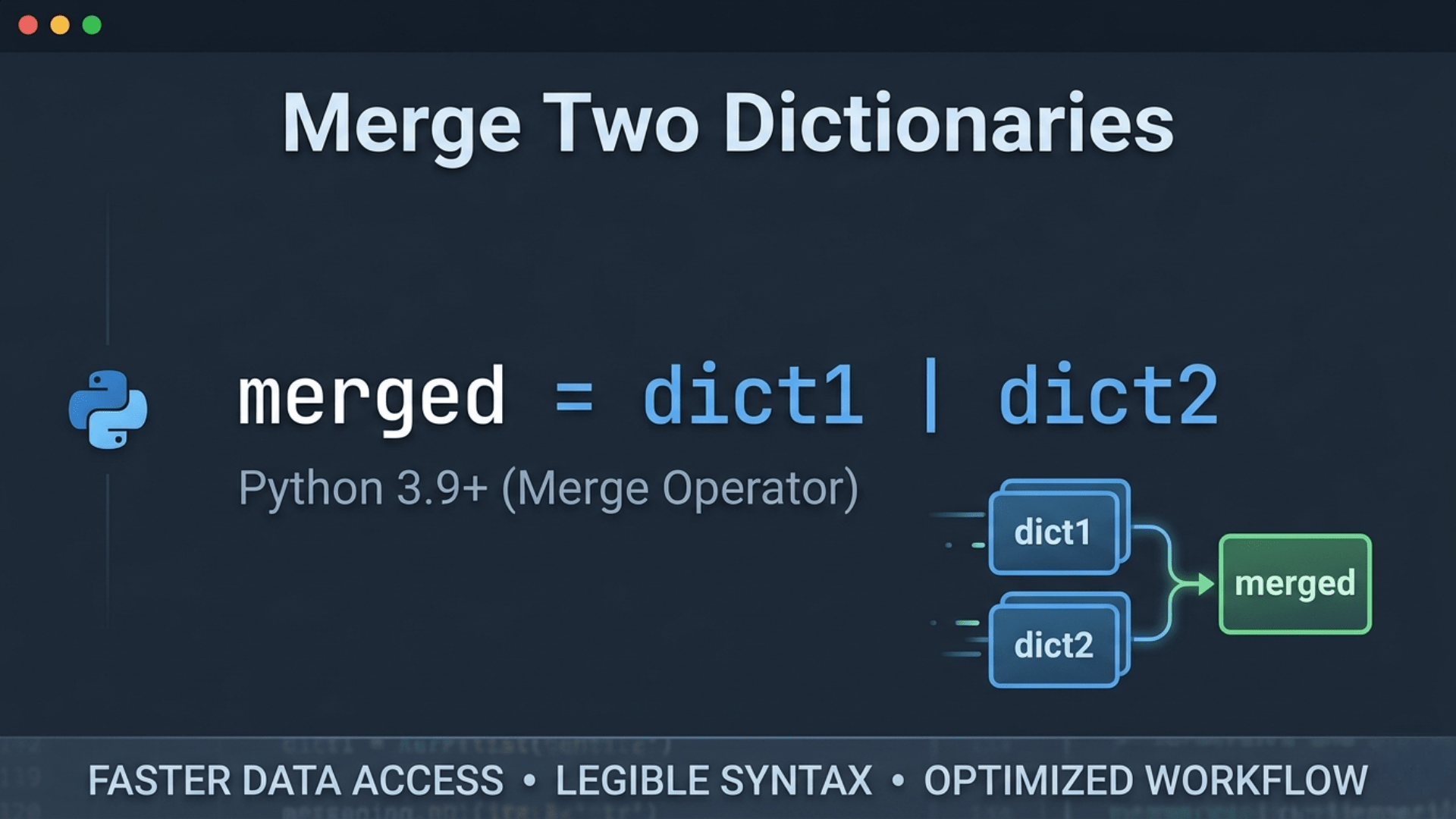
Merging two Python dictionaries is simple and version-dependent. For Python 3.9+, the | merge operator is the most modern and readable one-liner: merged = dict1 | dict2. For Python 3.5+, dictionary unpacking—{**dict1, **dict2}—also creates a new dictionary, with the rightmost value winning duplicate keys. ChainMap offers a memory-efficient logical merge. Use | for modern Python and clarity.
In Python, merging dictionaries has evolved significantly. Depending on your version of Python, there are several "one-liner" ways to combine dictionaries into a new one without modifying the originals.
1. Using the Merge Operator | (Python 3.9+)
The most modern and readable way to merge two dictionaries in a single expression is using the bitwise OR operator.
dict1 = {'a': 1, 'b': 2}
dict2 = {'b': 3, 'c': 4}

# The merge expression
merged = dict1 | dict2

print(merged)
# Output: {'a': 1, 'b': 3, 'c': 4}
Note: If both dictionaries share the same key, the value from the second dictionary (dict2) wins.
2. Dictionary Unpacking
Before Python 3.9, the standard way to merge in a single expression was using the double-asterisk unpacking operator. This creates a new dictionary by expanding the contents of both.
merged = {**dict1, **dict2}This method is still very popular and is compatible with older versions of Python 3. Like the | operator, the rightmost dictionary overrides the values of the leftmost one for duplicate keys.
3. The collections.ChainMap Approach
If you want to merge dictionaries logically without actually creating a new combined data structure (which saves memory), you can use ChainMap.
from collections import ChainMap

merged = dict(ChainMap(dict2, dict1))
Note: In ChainMap, the first dictionary provided takes precedence for duplicate keys, so we reverse the order to match the behavior of the other methods.
Technical Q&A Summary
Question: What is the most efficient way to merge two Python dictionaries in one line?
Answer: To merge two dictionaries, the most efficient and readable method in modern Python (3.9+) is the | operator. It creates a new dictionary in a single expression while maintaining clean syntax. For legacy support (Python 3.5-3.8), use the {d1, d2} unpacking method. Both techniques ensure that you merge two dictionaries with minimal overhead, though the | operator is generally preferred for its clarity and specific design for this purpose.