

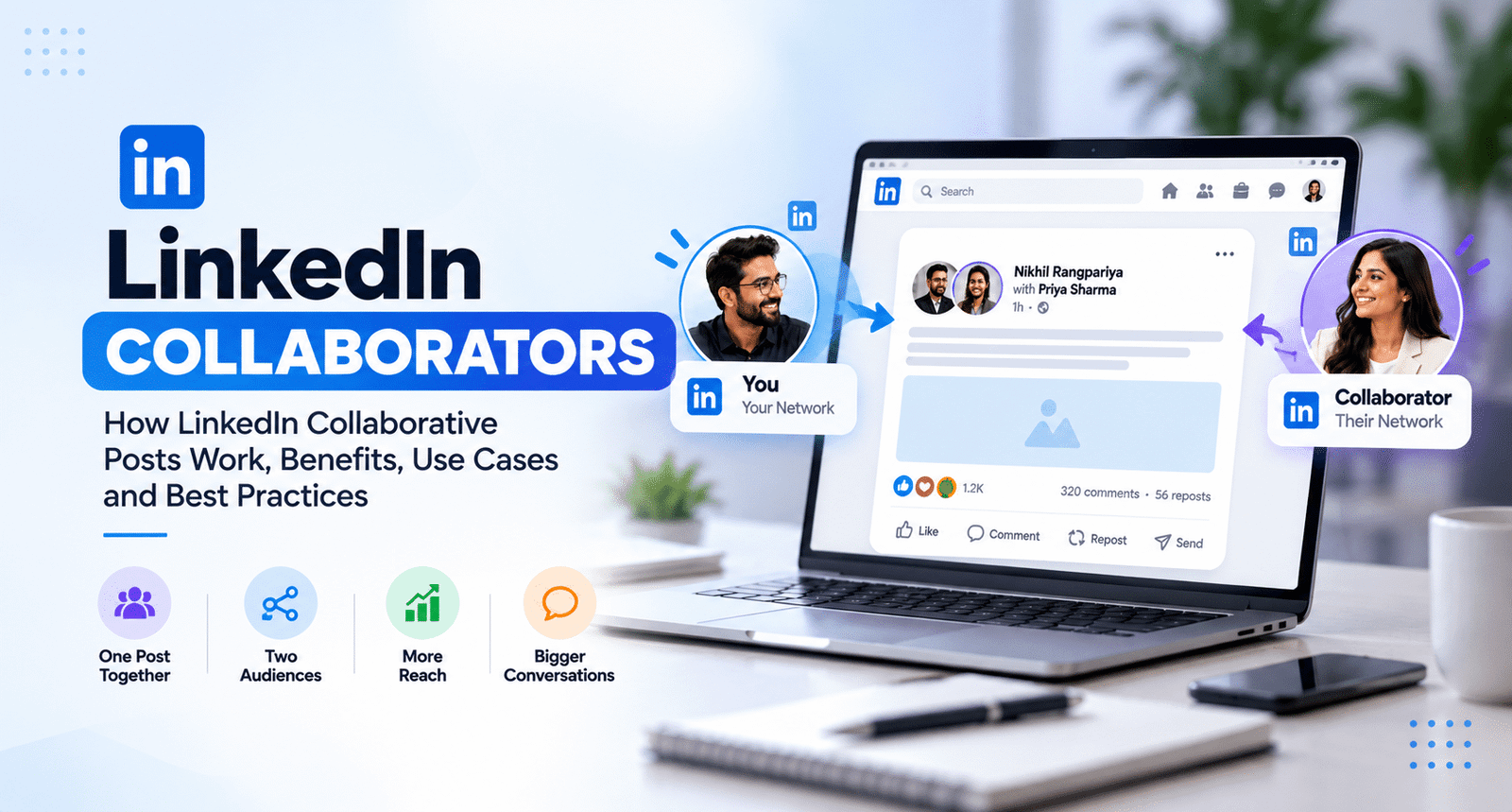
LinkedIn has introduced a new way for professionals, creators, brands, and company pages to publish content together: LinkedIn Collaborative Posts.
The idea is simple. Instead of publishing a post from one profile and then tagging other people, you can invite people or LinkedIn Pages to become collaborators on the same post. When they accept the invitation, they are shown as collaborators and the post can appear on their profile or Page as well.
LinkedIn announced Collaborative Posts globally in July 2026, allowing members and Company Pages to collaborate with up to five other members or Pages on a single post. The feature supports several types of content, including text, images, videos, documents, polls, events, and posts containing third-party links.
For marketers, founders, creators, agencies, and professionals building a personal brand, this creates an interesting shift in how LinkedIn content can be planned.
The question is no longer only, "How do I create content for my audience?"
It can also be:
"Who can I create this conversation with?"
What Are LinkedIn Collaborators?
LinkedIn Collaborators are people or LinkedIn Pages invited to jointly participate in a LinkedIn post.
When you create a post, LinkedIn can provide an Add collaborators option. You can select eligible connections or Pages and send them an invitation. The invited collaborator can then accept or decline.
If they accept, the post becomes associated with their profile or Page and identifies them as a collaborator.
This is different from simply mentioning someone with the @ symbol.
A mention tells LinkedIn users that another person is relevant to the post. A collaborative post goes a step further by giving the invited person a formal role in the post.
For example, imagine a software company launching a new product with a technology partner.
The company could publish a normal announcement and tag the partner.
Or it could create a collaborative post with the partner.
The second approach makes the shared nature of the announcement much clearer.
What Are LinkedIn Collaborative Posts?
A LinkedIn Collaborative Post is a post created by one LinkedIn member or Page with one or more invited collaborators.
LinkedIn allows up to five collaborators on a post.
Collaborative Posts can be used with several content formats, including:
- Text posts
- Single or multiple images
- Videos
- Third-party links
- Documents
- Polls
- Events
- Celebration posts
- Other supported LinkedIn post formats
The post must be public.
Invited collaborators receive a notification and can decide whether to accept or decline the invitation. If they decline, the post remains associated with the original creator rather than becoming a shared post.
LinkedIn also notes that the person who originally creates the post remains responsible for managing the post and its collaborators.
That distinction matters because collaboration does not mean that every participant gets equal editing control.
LinkedIn Collaborators vs. Tagging: What's the Difference?
This is probably the easiest way to understand the new feature.
Suppose you publish:
"We just launched our new AI-powered product."
You might tag your co-founder, developer, designer, or technology partner.
They are mentioned, but the post is still fundamentally yours.
With a Collaborative Post, you can invite that person or Page to become a collaborator.
Once accepted, their profile or Page is associated with the post.
That makes sense when the content genuinely belongs to more than one person or organization.
A simple comparison
Traditional LinkedIn post
One author → Mentions → Other people
LinkedIn Collaborative Post
Multiple contributors → One post → Shared professional context
The important word here is genuine.
Collaborative Posts should not become another way to add random profiles simply because they have large audiences.
How to Add Collaborators on LinkedIn
Creating a LinkedIn Collaborative Post is relatively straightforward if the feature is available on your account.
Step 1: Start a LinkedIn post
Open LinkedIn and select the option to create a new post.
Step 2: Create your content
Write the post and add the media or format you want to use.
Think about the collaborator before publishing.
Ask yourself:
Does this person actually add value to this post?
Step 3: Select Add collaborators
Look for the Add collaborators option in the post creation interface.
Step 4: Choose your collaborators
Search for the relevant LinkedIn connections or Pages and select them.
LinkedIn currently allows up to five collaborators per post.
Step 5: Publish the post
After publishing, the selected people receive an invitation.
They can accept or decline.
Step 6: Wait for acceptance
If a collaborator accepts, they are added to the collaborative post.
If they decline, the post remains associated with the original creator.
Feature availability can vary while LinkedIn continues its rollout, so some users may not see the option yet.
Why LinkedIn Collaborators Matter for Personal Branding
Personal branding on LinkedIn has traditionally been built around consistency.
You publish.
You comment.
You build relationships.
You grow an audience.
Collaborative Posts introduce another dimension: shared authority.
Consider a simple example.
A digital marketing consultant wants to publish a post about SEO.
Instead of writing a generic article alone, the consultant could collaborate with:
- An SEO technical specialist
- A SaaS founder
- A content strategist
- A web developer
Now the post can represent multiple professional perspectives.
The content becomes more interesting because the collaboration itself provides context.
This is particularly useful for thought leadership.
People don't always want another person telling them what they already know.
They want different perspectives.
7 Practical Ways to Use LinkedIn Collaborative Posts
1. Product Launches
Founders, product teams, agencies, and technology partners can collaborate on launch announcements.
For example:
SaaS Company + Technology Partner
One post can explain the product, the partnership, and the problem being solved.
2. Client Case Studies
An agency can collaborate with its client to discuss a completed project.
This can make the story more credible because both sides are part of the conversation.
For example:
Agency + Client
Instead of saying:
"We helped our client increase organic traffic."
The collaborative post can tell the story from both perspectives.
The agency explains the strategy.
The client explains the business impact.
3. Podcast Content
Podcast hosts and guests are natural candidates for collaboration.
A short video clip, key discussion point, or episode announcement can become a collaborative post.
Instead of simply tagging the guest, the host can create the post with the guest as a collaborator when the feature is available and appropriate.
4. Industry Discussions
Two professionals with different perspectives can create a post around the same question.
For example:
"Will AI reduce the need for traditional SEO?"
An SEO professional and an AI specialist could create one collaborative discussion.
The disagreement itself can make the content more interesting.
5. Events and Webinars
Organizers, speakers, sponsors, and partner organizations can collaborate on event-related content.
A webinar announcement is a simple example.
Instead of multiple accounts publishing nearly identical announcements, collaborators can create a shared post.
6. Professional Milestones
Collaborative Posts can also make sense for genuine shared achievements.
Examples include:
- Company anniversaries
- Partnerships
- Product launches
- Joint projects
- Business milestones
- Awards
- Team achievements
7. Expert Roundtables
A creator can invite professionals from different disciplines to participate in a focused discussion.
For example:
"Five marketers explain what will change in SEO over the next year."
Rather than turning it into five disconnected posts, the creator could structure the content as a collaborative conversation where appropriate.
Can LinkedIn Collaborators Increase Reach?
This is where marketers should be careful.
LinkedIn says Collaborative Posts can help a post reach a broader audience because accepted collaborators have the post associated with their profile or Page.
But that does not mean every Collaborative Post will automatically go viral.
There is an important difference between:
More potential distribution
and
Guaranteed reach.
The quality of the content still matters.
A weak post with five collaborators is still a weak post.
A strong post with one relevant collaborator can create a much better conversation.
Therefore, businesses should not treat LinkedIn Collaborators as an algorithm hack.
The more sustainable approach is to use collaboration when the other person genuinely belongs in the story.
The Biggest Mistake Marketers Can Make
The temptation will be obvious.
If five collaborators are allowed, some marketers will try to add five people to every post.
That is probably not the best use of the feature.
Imagine opening LinkedIn and seeing every post with five unrelated collaborators.
The feature would quickly become noise.
Instead, think about relevance.
Ask three questions before inviting someone:
1. Does this person have a genuine connection to the topic?
2. Will their perspective improve the content?
3. Would the post still make sense if the collaboration feature didn't exist?
If the answer to all three is yes, collaboration makes much more sense.
LinkedIn Collaborators for Businesses
Company Pages can also participate in Collaborative Posts.
This opens interesting possibilities for B2B marketing.
A software company could collaborate with:
- A customer
- A technology partner
- A consultant
- A creator
- An industry expert
- Another company
For B2B brands, this can be particularly useful because professional audiences often care about relationships, expertise, implementation experience, and real-world results.
Instead of publishing only company-created promotional content, brands can build content around genuine relationships.
That can make the communication feel more like an industry conversation and less like an advertisement.
LinkedIn Collaborators and Thought Leadership
There is another important opportunity here.
Thought leadership does not have to come from one person.
Some of the strongest professional discussions happen when people with different experiences address the same problem.
For example:
Founder: What the business actually needs.
Developer: What is technically possible.
Marketer: What customers respond to.
SEO professional: What people are searching for.
Sales professional: What prospects are asking.
A collaborative post can bring those perspectives into one conversation.
That is more valuable than simply combining audiences.
It combines context.
Should You Use LinkedIn Collaborative Posts for Every Post?
No.
And that is probably the most important strategic takeaway.
A collaboration should have a reason.
Use a Collaborative Post when:
- Two people genuinely created something together.
- A partnership needs to be announced.
- A client and agency want to tell the same story.
- Two experts have complementary perspectives.
- A podcast host and guest are promoting a discussion.
- A company and partner are sharing an achievement.
- Multiple professionals are discussing one industry topic.
A regular LinkedIn post may be better when the content is based entirely on your personal experience or opinion.
The goal should not be to turn every post into a collaboration.
The goal should be to recognize when collaboration makes the content stronger.
LinkedIn Collaborators Could Change Content Strategy
The interesting part of this feature is not the button itself.
It is the change in mindset.
For years, social media strategy has often focused on building your own audience.
But professional networks are interconnected.
Your audience knows people.
Those people know other people.
Businesses work with partners.
Creators work with brands.
Founders work with employees, customers, investors, advisors, and communities.
Collaboration makes those relationships more visible.
Instead of asking:
"How can I get more people to see my content?"
A better question might be:
"Who can help me create a better conversation?"
That is a much more sustainable content strategy.
Final Thoughts
LinkedIn Collaborators and Collaborative Posts give professionals another way to create content around real relationships.
The feature allows eligible users and Pages to invite collaborators, with up to five collaborators currently supported on a post. Accepted collaborators can become associated with the post on their profile or Page.
But the real opportunity is not simply getting additional exposure.
It is creating content that benefits from more than one professional perspective.
A founder and marketer can tell the same growth story differently.
A developer and product manager can explain the same product from different angles.
A company and customer can tell a case study together.
A podcast host and guest can turn one conversation into a shared piece of content.
That is where LinkedIn Collaborative Posts become more interesting than a simple tagging feature.
The future of professional content may not be about creating alone. It may be about creating with the right people.
And LinkedIn Collaborators could be one of the tools that makes that shift easier.
Before using the feature, however, check whether Add collaborators is available on your account, because LinkedIn's documentation indicates that availability can vary during the rollout.
Stay updated with the latest technology, business, marketing, and industry insights on TechTalksToday.
Primary sources used for fact-checking
LinkedIn: Introducing Collaborative Posts
LinkedIn Help: Create a collaborative post
LinkedIn Help: Collaborate on a LinkedIn post
Google Search Central: Helpful, reliable, people-first content